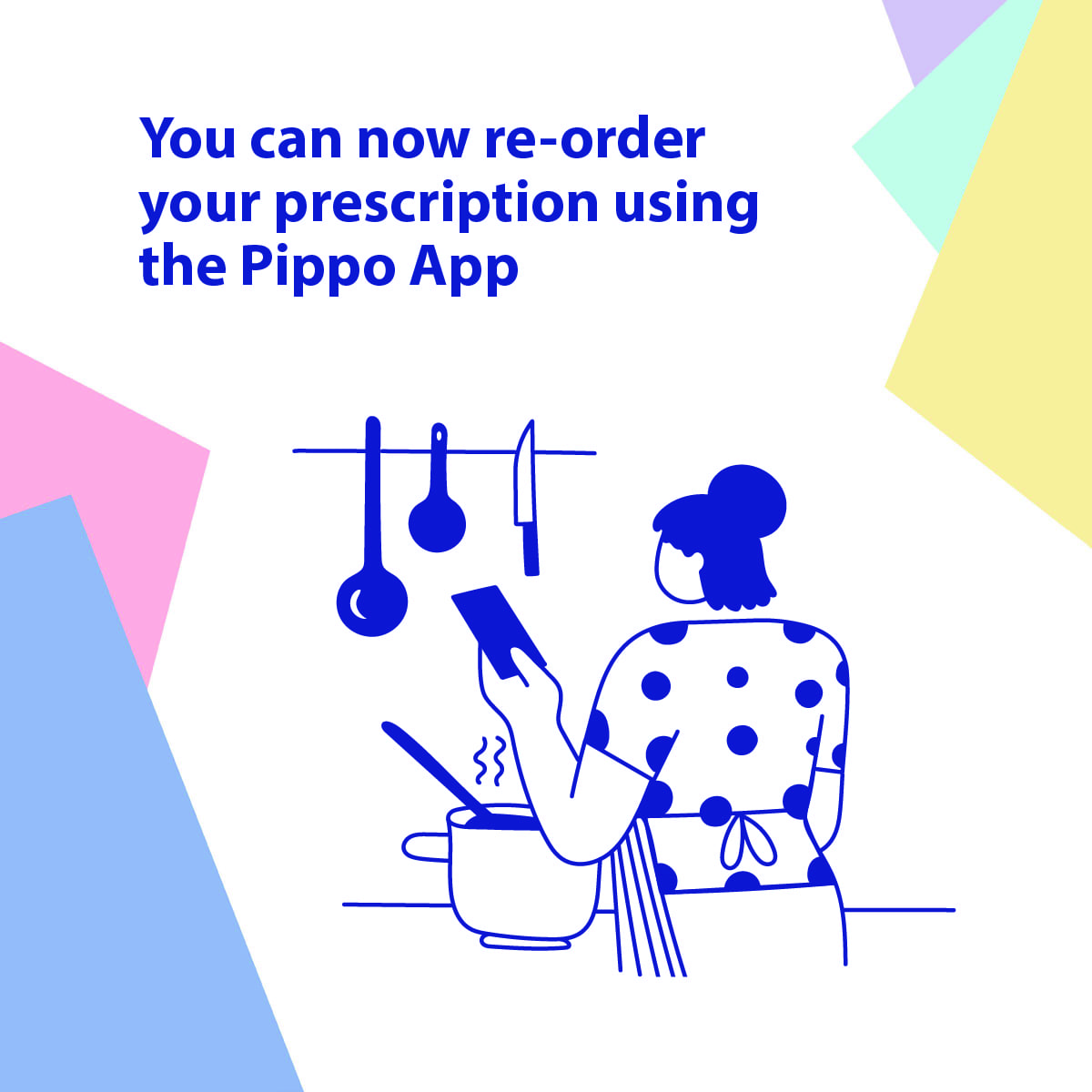
It’s never been easier to our your prescription with us than via the Pippo app.
Here’s how to order your prescription using the Pippo App:
- Search for Pippo in your app store.
- Download the free app on iPhone or Android.
- Search for your practice of choice in the search menu.
- Complete the registration process.
- You will receive a text when your registration is complete.
- Order your prescription in your Pippo app.
- Pay and checkout for your prescription.
- By following these steps, you agree to our terms and conditions.
Important Note: 48 hours notice is required for prescriptions.